'%20stroke-width='9'%20/%3e%3cpolyline%20points='52,38%2032,60%2052,82'%20fill='none'%20stroke='url(%23g1)'%20stroke-width='9'%20stroke-linecap='round'%20stroke-linejoin='round'%20/%3e%3cpolyline%20points='68,38%2088,60%2068,82'%20fill='none'%20stroke='url(%23g1)'%20stroke-width='9'%20stroke-linecap='round'%20stroke-linejoin='round'%20/%3e%3ccircle%20cx='60'%20cy='60'%20r='7'%20fill='url(%23g1)'/%3e%3c/svg%3e)
From PayloadCMS to Astro Content Collections

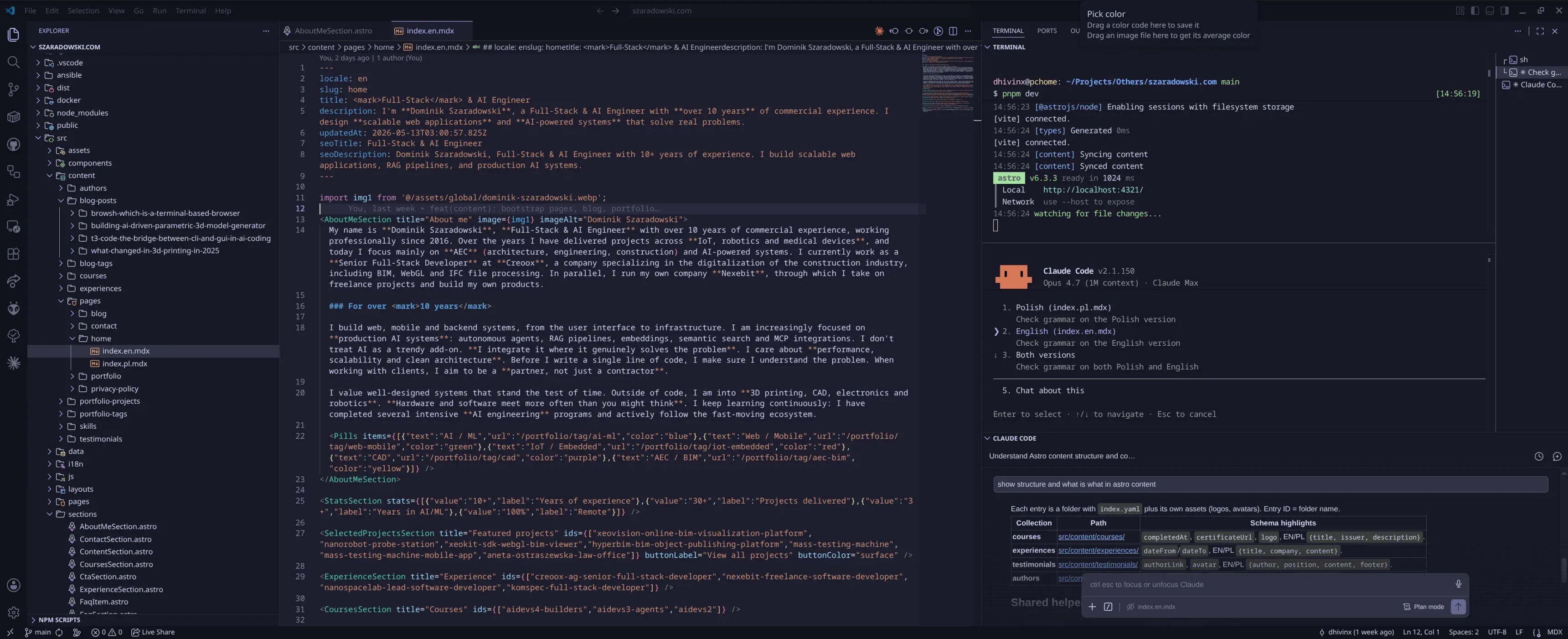
After two years on PayloadCMS I moved the entire content of this site, the one you’re reading right now, into MDX files in the repo. Deploy went from 8 minutes to 2, build got about 60% shorter, Lighthouse Performance jumped by 5 points. I lost quick typo fixes from my phone and the visual editor. I don’t really regret it.
This is a report from a migration I did over a weekend, and from why I started it in the first place.
What annoyed me in Payload
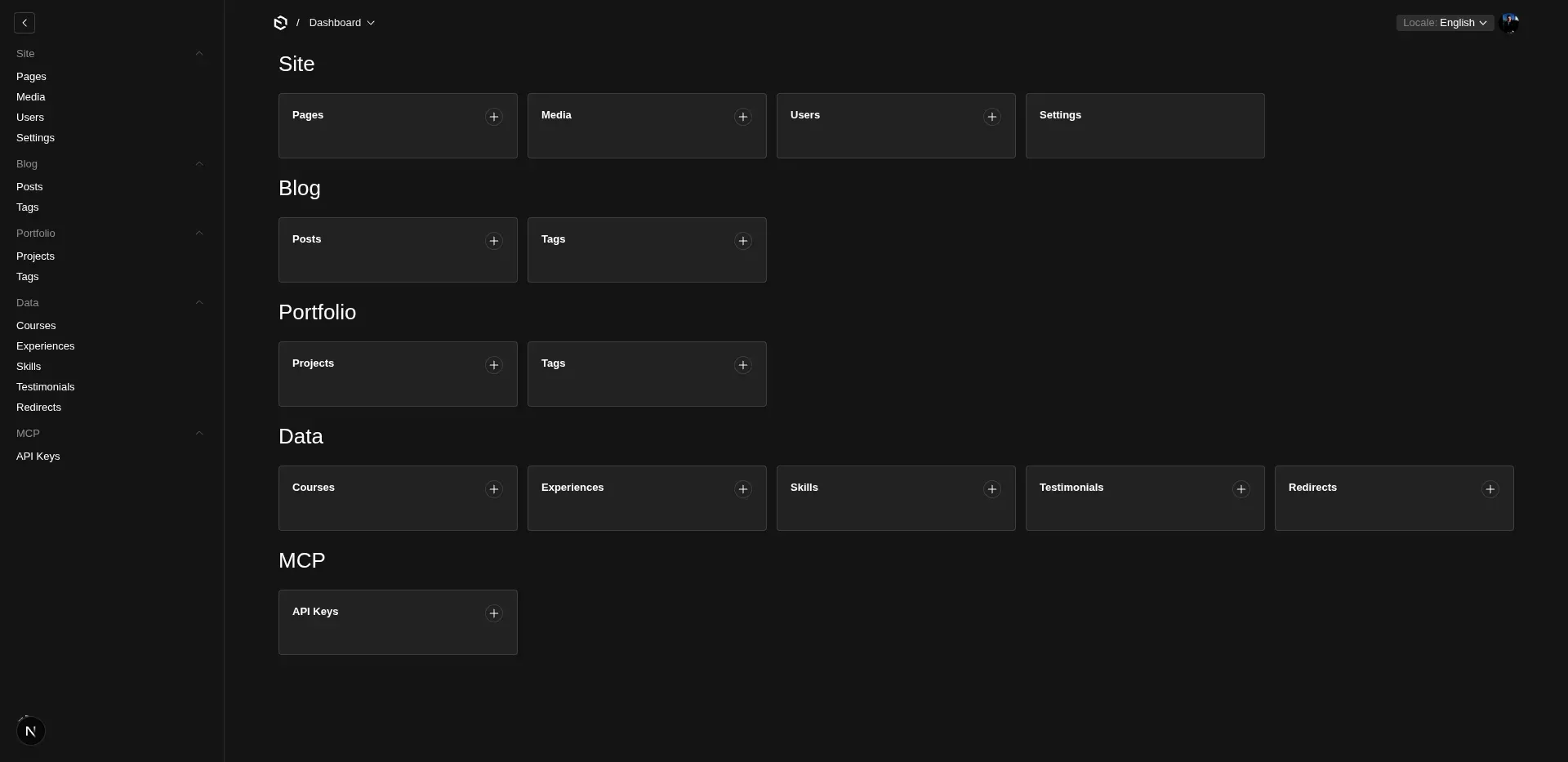
Payload itself is a good framework. I had the whole portfolio on it with separate collections: Pages, Posts, Tags, Projects, Skills, Experiences, Testimonials, Courses, Redirects, Media, Users and API Keys. It worked.
But every editing session ended with a small curse. Four things hurt enough to start looking around.
Bumping the Payload version. Every major meant going through breaking changes in the schema, adjusting blocks, checking that DB migrations didn’t blow up on custom fields. I did it with my heart in my throat, because content lives in Postgres and if something falls apart you don’t get a ctrl+z.
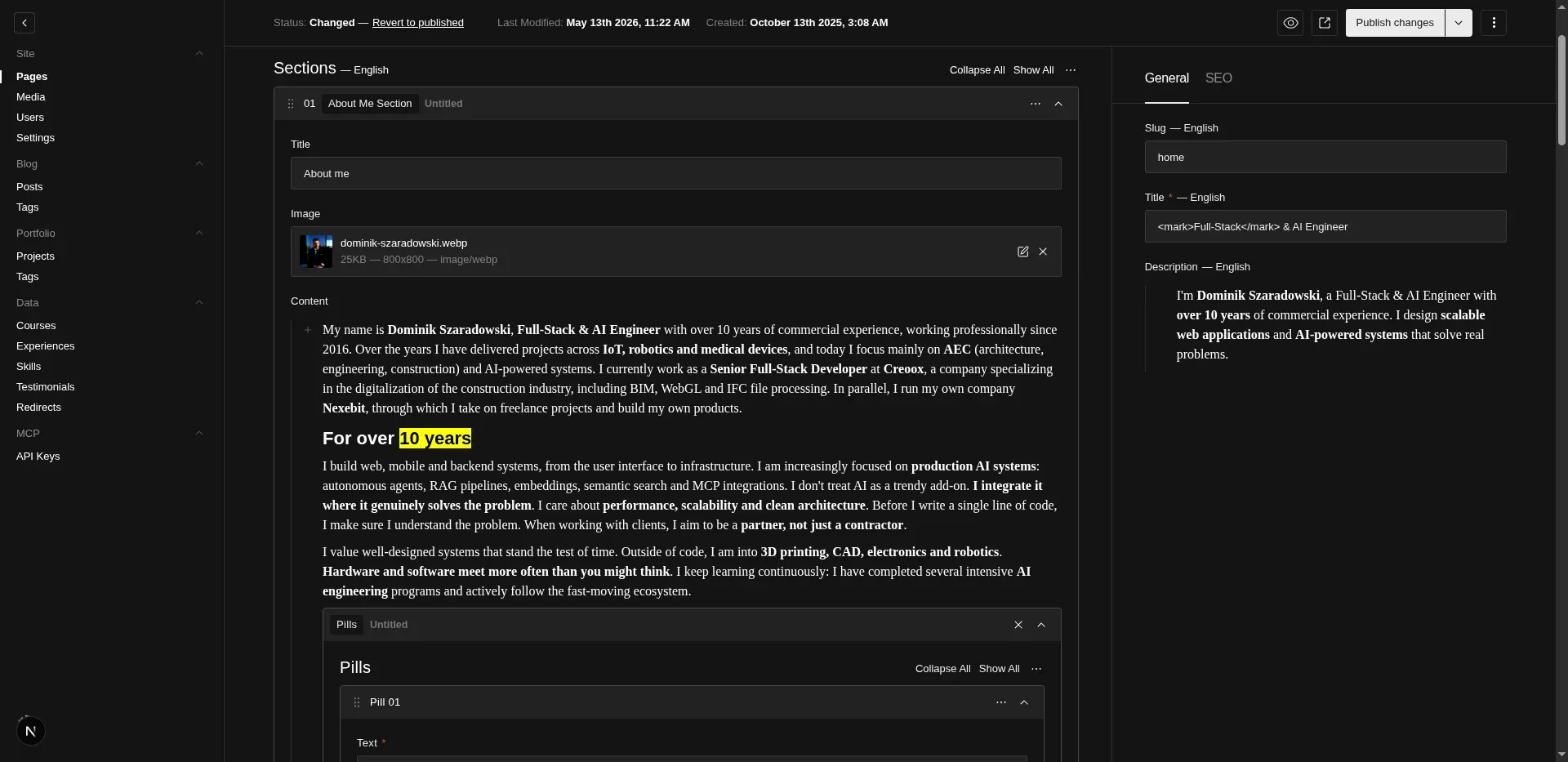
Switching languages while editing. I have two locales, pl and en. Editing a page means constantly clicking the locale switcher at the top, jumping to the same block in the other language, checking whether I forgot to add a GridBlock I just dropped into the Polish version a moment ago. I did this hundreds of times and forgot something at least once every time.
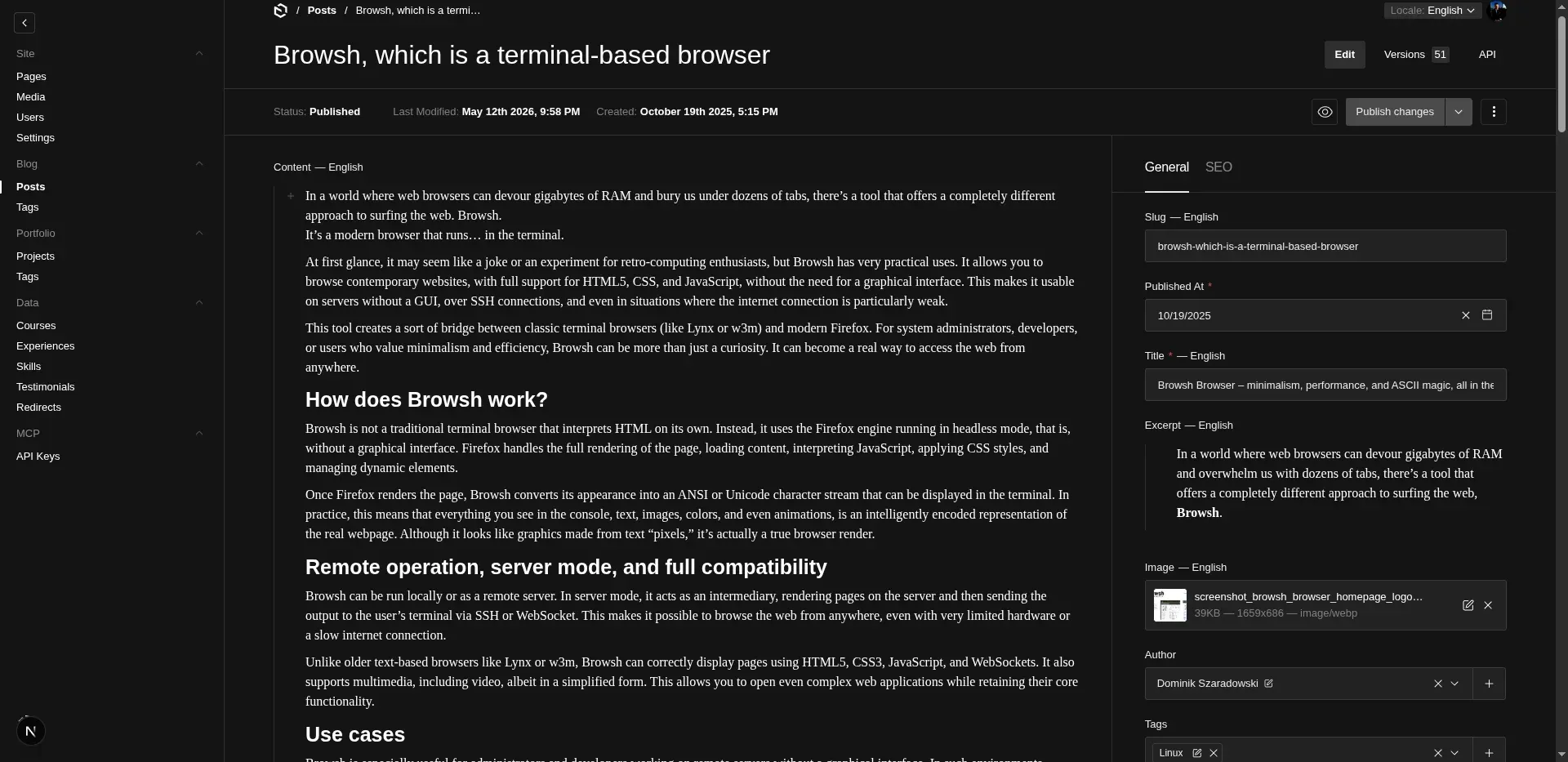
Lexical and its output format. Lexical is the default editor in Payload 3, so I didn’t fight it and took what was there. In practice its output is a JSON tree with root, children, nodes like paragraph, heading, linebreak and custom nodes, which you have to render on the frontend with your own walker. Pasting content from another source always ended with manual cleanup. Inline code in the middle of a sentence was a small holiday.
DB backups and migrations. A weekly script dumped the DB to object storage and sometimes I had to restart the image. Repeatable, but always something to remember and something that can fail at the worst possible moment.
The spark: I want GitOps and Claude Code
The decision didn’t come from one moment. It slowly hit me that this project’s content fits perfectly into what I’m planning for the rest of the infrastructure. I want to move parts of it to a GitOps model where the repo is the source of truth and a pipeline does the rest. If that’s the goal, why does content live in a database you log into through a panel, and not in files next to the code that version cleanly with a diff.
The second reason is Claude Code. Over the last few months I noticed I edit this site’s content from the agent more and more often (I even tested T3 Code as a GUI over Claude Code on this same repo). I fix typos, drop in a paragraph, change a meta description. In Payload that meant: log into the panel, click through two locales, hit save. In the repo it’s just an edit on an MDX file and a commit. The difference compounds when you do it daily.
The third reason is versioning. A diff on a text change in a PR is just readable. In Postgres I had version history in Payload, but I never looked at it because the UI didn’t make it easy.
Strapi, Sanity, Directus: why they dropped out
I didn’t jump straight to Astro. I compared three headless alternatives, each one I’d touched before.
Strapi. I was missing recursively self-nested blocks. I couldn’t build a structure where a block contains itself, e.g. GridBlock → ColumnBlock → GridBlock → ColumnBlock. Without that the whole design system falls apart, because you don’t compose layouts from primitives. Maybe there’s a workaround, I didn’t find a clean one.
Sanity. Too enterprise for my needs. Great tool for an editorial team with an approval flow, drafts and scheduling, but for a one-person portfolio it’s overkill. Plus its own schema language (GROQ + schema.js) which I didn’t feel like investing in from scratch.
Directus. Database-first, allegedly clickable end to end in the UI, but I was missing type consistency with the frontend. In Payload I generated types automatically and consumed them in Vue. In Directus I’d end up writing an intermediate layer that does the same thing. Pointless.
Astro Content Collections won because in one place I get: files in the repo, Zod validation on the collection schema, automatic types, MDX with Vue components as islands, and a static build at deploy.
What the structure looks like after the migration
Everything lives in the project directory. Blog posts are src/content/blog-posts/{slug}/index.{pl,en}.mdx, tags are src/content/blog-tags/{slug}.yaml with translations inside, portfolio projects have their own collection with folders for images, and site settings are two files settings.{en,pl}.yaml. The full schema lives in src/content.config.ts, so when I add a field, Zod immediately yells in the build if any file is missing it.
const blogPostSchema = ({ image }: SchemaContext) => z.object({ locale: z.enum(['en', 'pl']), slug: z.string(), title: z.string(), publishedAt: z.coerce.date(), excerpt: z.string().optional(), image: z.object({ src: image(), alt: z.string() }).optional(), tags: z.array(reference('blog-tags')).optional(), faq: z.array(z.object({ question: z.string(), answer: z.string() })).optional(), });Adding a faq field is one line in the schema. From the next build on, Zod checks every MDX file and throws if any has faq in the wrong shape.
For content with its own folder and images (posts, projects) I use a folder with index.{lang}.mdx and assets next to it. For list-like entities (tags, redirects) a flat yaml is enough. For richer entities like skills, where each has a list of technologies and icons, a folder with a yaml.
The nicest part is that when I edit a post now, I have all language variants and all images in one place in the file explorer. In Payload I had to keep Media separately and remember which post I had attached which image to.
Migration: a REST script and a few hours of fixes
I asked Claude Code to write a migration script, handing it the existing collections and globals definitions from Payload. I knew the output format, the target schema was already defined, so the script mostly had to map fields and write MDX with the right component imports.
Media turned out to be the problem. PayloadCMS stores each image in many srcset variants (thumbnail, card, tablet, desktop, each in several formats). That’s hundreds of files for dozens of images.
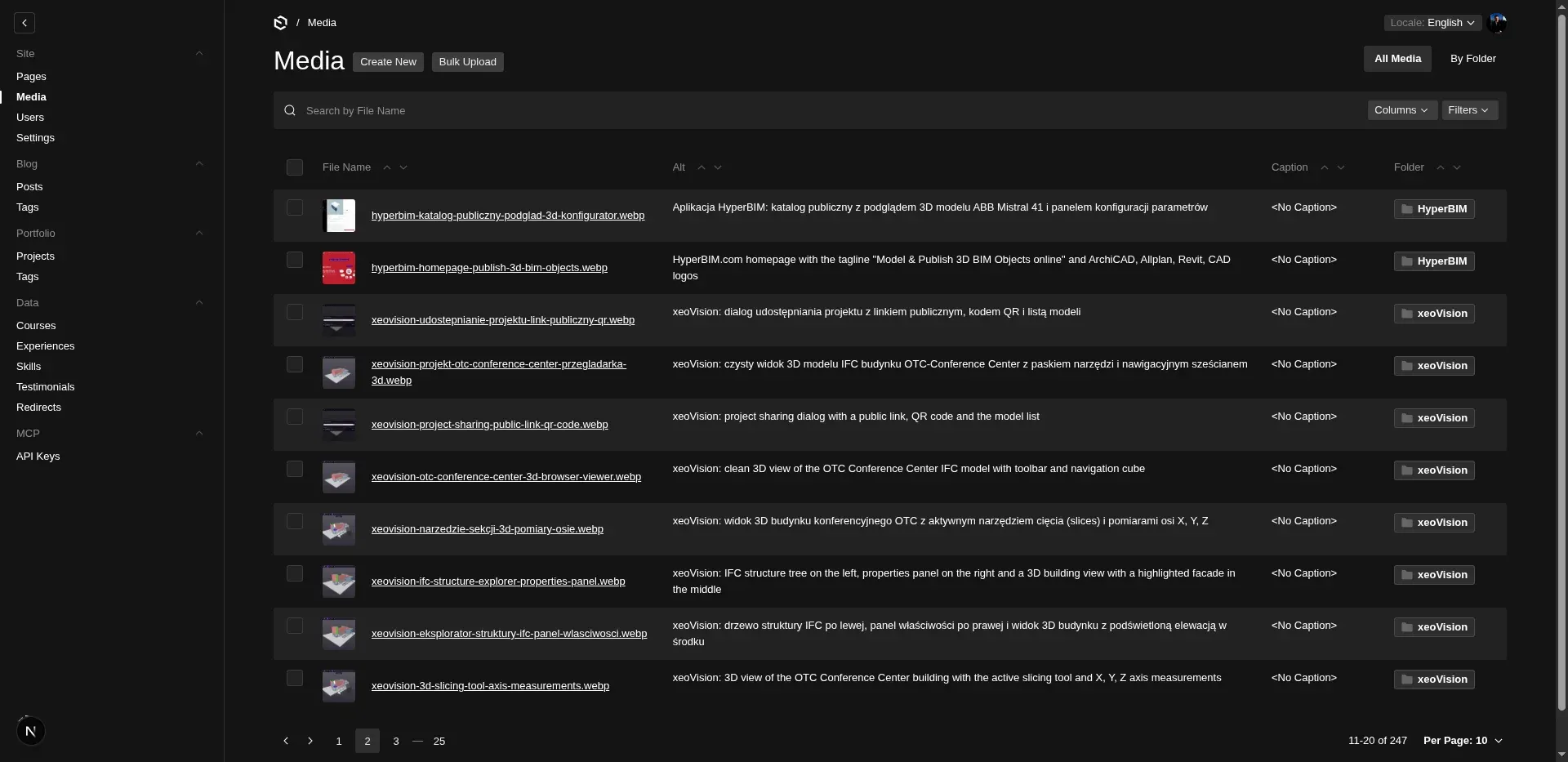
The migration ran over Payload’s REST API: I pull the media list, grab only the highest quality variant for each, and let Astro Image handle the rest at build. JSON straight from the database into MDX in one pass.
const res = await fetch(`${PAYLOAD_URL}/api/media?limit=500`, { headers: { Authorization: `users API-Key ${API_KEY}` },});const { docs } = await res.json();
for (const doc of docs) { const name = doc.filename.replace(/\.[^.]+$/, ''); const ext = doc.mimeType.split('/')[1]; const buf = await fetch(`${PAYLOAD_URL}${doc.url}`).then((r) => r.arrayBuffer()); await writeFile(`./media/${name}.${ext}`, Buffer.from(buf));}doc.url points to the original, I ignore the whole sizes structure with thumbnails. Each <Image> on the Astro side generates its own srcset and variants at build, so what Payload kept separately I get back for free.
The hardest part was translating Lexical’s output into markdown. The converter has a fallback for custom nodes that aren’t worth maintaining, e.g. Payload callout blocks were replaced with a <Callout> component on the frontend.
Manual cleanup after the migration took me maybe two hours. Mostly internal links (the slug changed for some pages), a few typos in image aliases, and one post with an unsupported custom block.
Numbers before and after
Dry stats:
- Deploy time: from about 8 min to 2 min. Previously a Docker image build with PayloadCMS, push and container restart. Now it’s a clean
astro buildand a sync of statics to the host. - Build time in Astro: about 60% shorter compared to the Payload build. Astro builds a static site with islands, no overhead from spinning up Express, the DB connection, and the admin panel’s hot reload.
- Lighthouse Performance: up by about 5 points. The result of not having a Node server taking the request, hitting the DB, building the response. Static from CDN and that’s it.
Less spectacular but real: maintenance cost dropped, because I’m no longer running a database or a separate VM for the admin panel. Repo, GitHub Actions, static hosting.
What I miss
Time to be honest.
Editing from the phone is gone. Before, I’d spot a typo on a bus, open the Payload panel, fix it, click. Now the typo waits until I get to the computer, open the IDE, commit and wait for deploy. Reaction time went from a minute to maybe an hour.
The visual editor died. Lexical was annoying, but you did see how things looked as you typed. MDX in VSCode is raw text. For me that’s fine, but when I’m putting together a longer article with many images and components, I have to keep checking the preview to see the rhythm. In the panel I saw it right away.
No panel for non-technical people. Not a problem for me, but if I wanted to give someone editing rights, there’s no way now. In Payload it was enough to add a user.
Who this makes sense for
A file-based CMS in the Astro Content Collections style makes sense for a technical person who’s comfortable in markdown and has any deploy pipeline at all. GitHub Actions, Ansible, Vercel, Coolify, anything that can rebuild the site on push. If that’s your setup, you gain consistency with the rest of the code, clean versioning and a radically simpler stack.
I’d advise against it if content is going to be edited by clients or people for whom markdown is a barrier. Every typo will come back to you as a ticket and the simplicity win turns into maintaining other people’s posts. PayloadCMS is the saner pick there, and a panel gives you the certainty that the client doesn’t need your time for proofreading.
The second case against: large blogs. With a few hundred entries, files turn into chaos. Sorting, searching by metadata, batch updates, indexing, all of it will be on the code side, and you have to keep watch over it. PayloadCMS with a solid Postgres and a panel handles that effortlessly.
For a portfolio, project documentation and a technical blog up to a few dozen entries, Astro Content Collections win. For client sites, a shop or an editorial team, stick with the panel.
FAQ
How long did the migration actually take?
The migration script and content import: one weekend, plus two hours of manual fixes on Monday. Before that I spent a week working out the collection schema in Astro so it could cover everything I had in Payload.
Did you lose any content along the way?
No. The DB dump and the REST media export are sitting in an archive. The script is deterministic, so if anything broke I could rerun it. For a week after the migration I kept the old Payload in read-only mode as a backup.
How do you handle i18n without a panel?
Each collection has separate files per locale (index.pl.mdx, index.en.mdx) or a translations: { en, pl } structure in yamls. The resolver picks the file based on the [lang] route segment. Missing translations fall back to the default language, so adding a new language is copying files, not changing the schema.
Does draft preview still work?
In Payload I had a separate draft/published status. In Astro I do it via a git branch: I write the post on a draft/post-name branch, get a preview deploy from the host, and merging to main ships it. There’s no “draft in DB” state, there’s “draft in PR” state.
What if I want to move back to PayloadCMS?
The way back would be a script in the other direction: read the MDX files, map them to Lexical JSON, push through REST into Payload. I kept the Payload schema in the repo archive. I’m not planning to go back, but the exit ramp exists.
Why not a pure static generator like Hugo or Jekyll?
Because I use Vue as islands for interactive components (contact form, 3D viewer, language switcher) and I don’t want two systems. Astro 6 gives me MDX, Vue islands, image optimization and an SSR fallback in one stack, so there’s no reason to drop lower.